AirNet
A downloadable game for Windows
AirNet
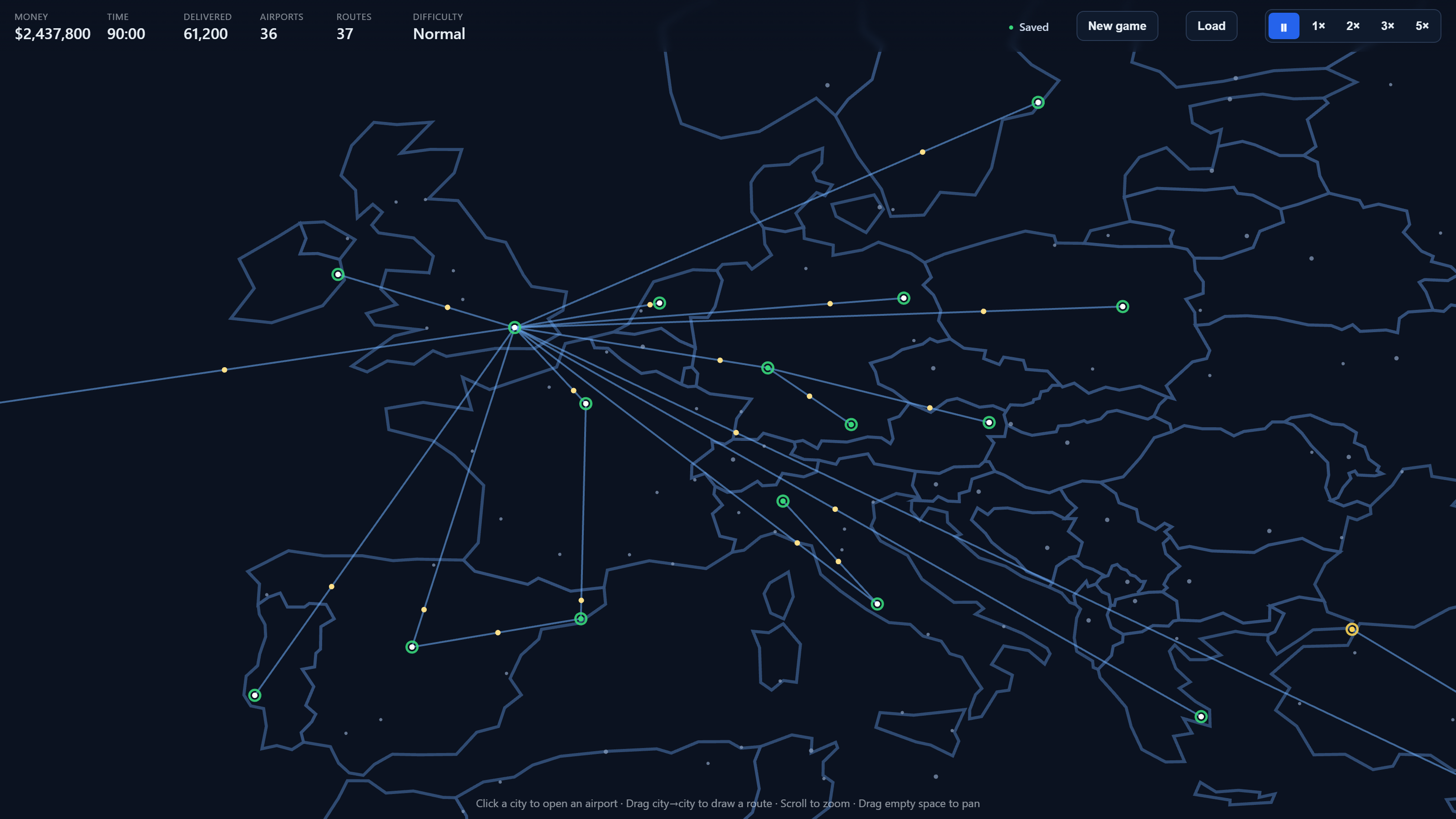
AirNet is a simulation game about building an airline from nothing.
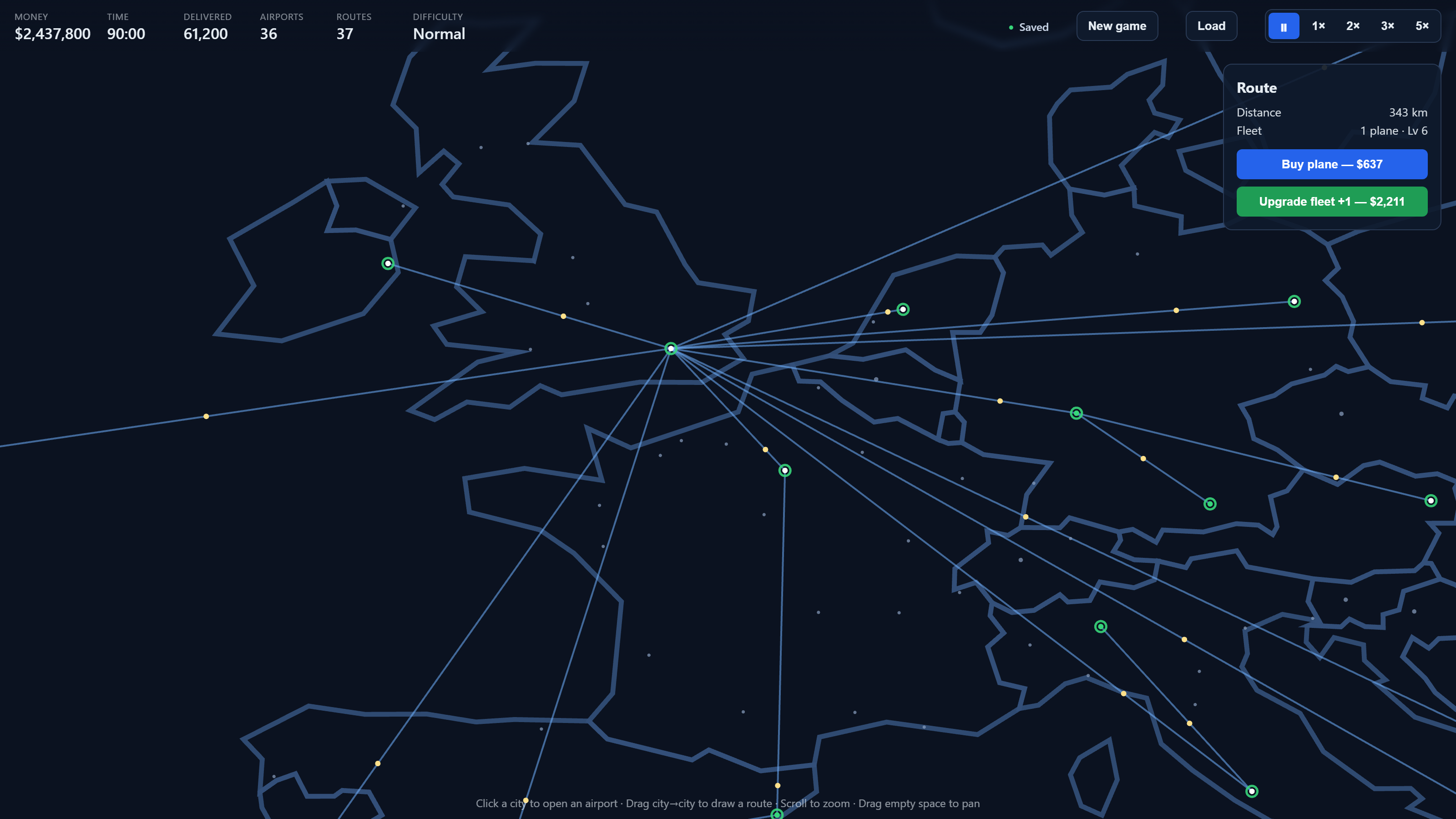
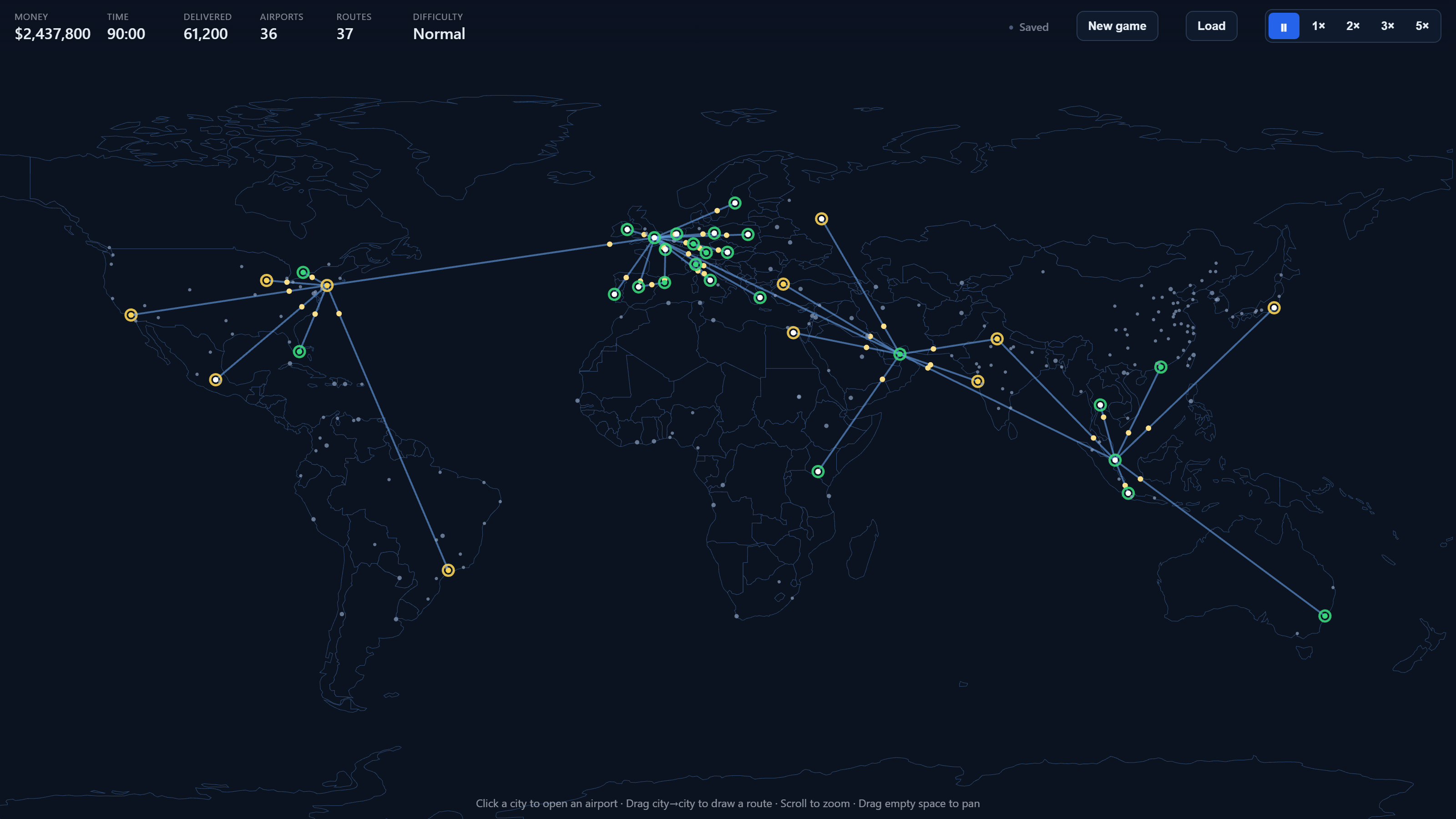
You start with an empty map and a little cash. Open an airport, drag a line to another city, and planes start flying passengers between them. Do it again. And again. Pretty soon you've got a tangle of routes across the planet and money coming in — as long as you can keep up with demand.
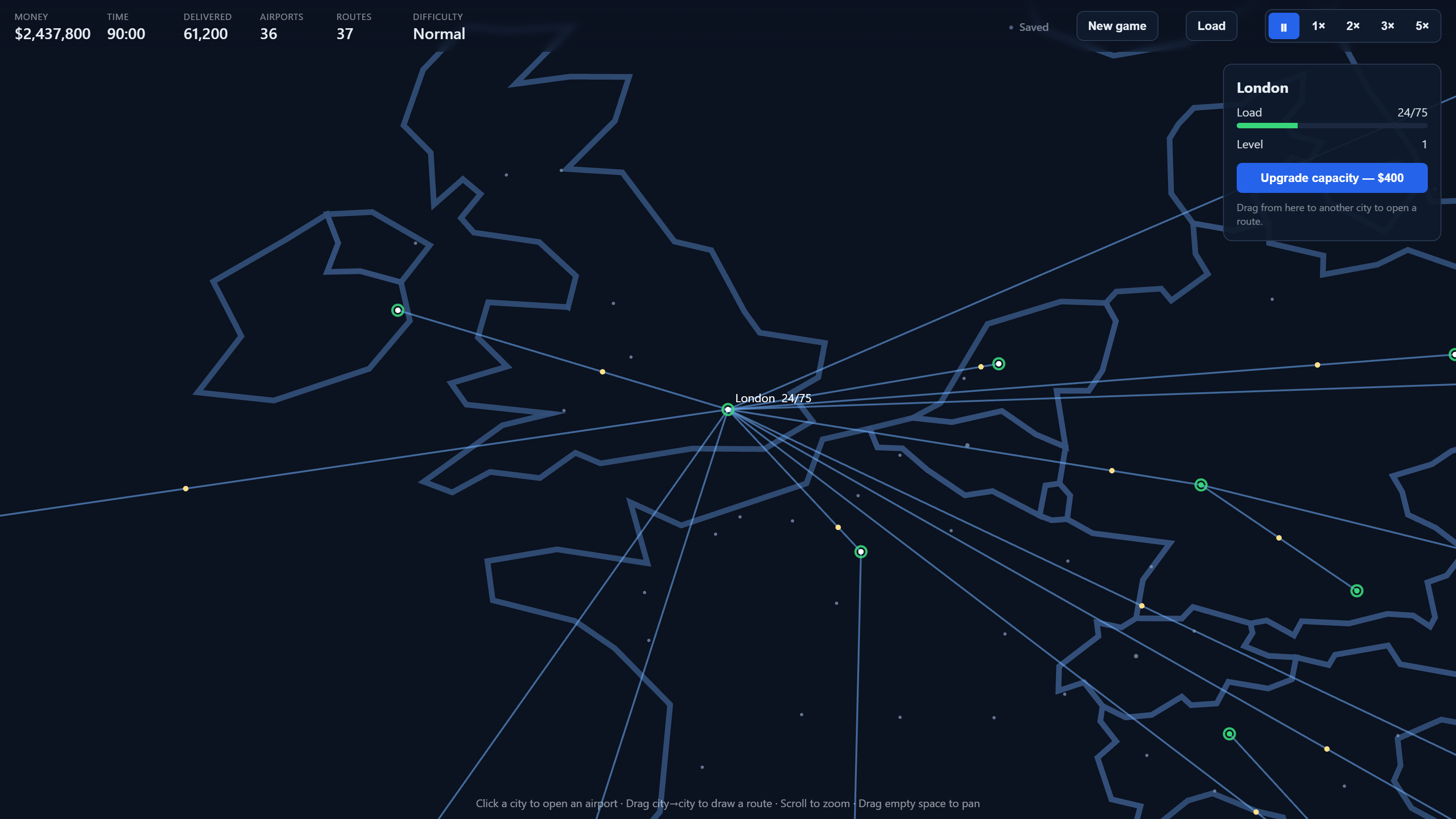
The catch is that airports fill up. If more passengers show up than your planes can move, the queue backs up and the airport goes red. So you're always balancing it: add planes, upgrade them, build proper hubs instead of one messy line to everywhere.
What's in it
• The whole real world — 1,200+ cities with real populations
• Draw routes freely: no grid, no fiddly menus
• Passengers actually transfer through your network to reach their destination
• Upgrade planes through 6 levels; capital-to-capital routes get a special plane
• Three difficulties, from chill to tight-on-cash
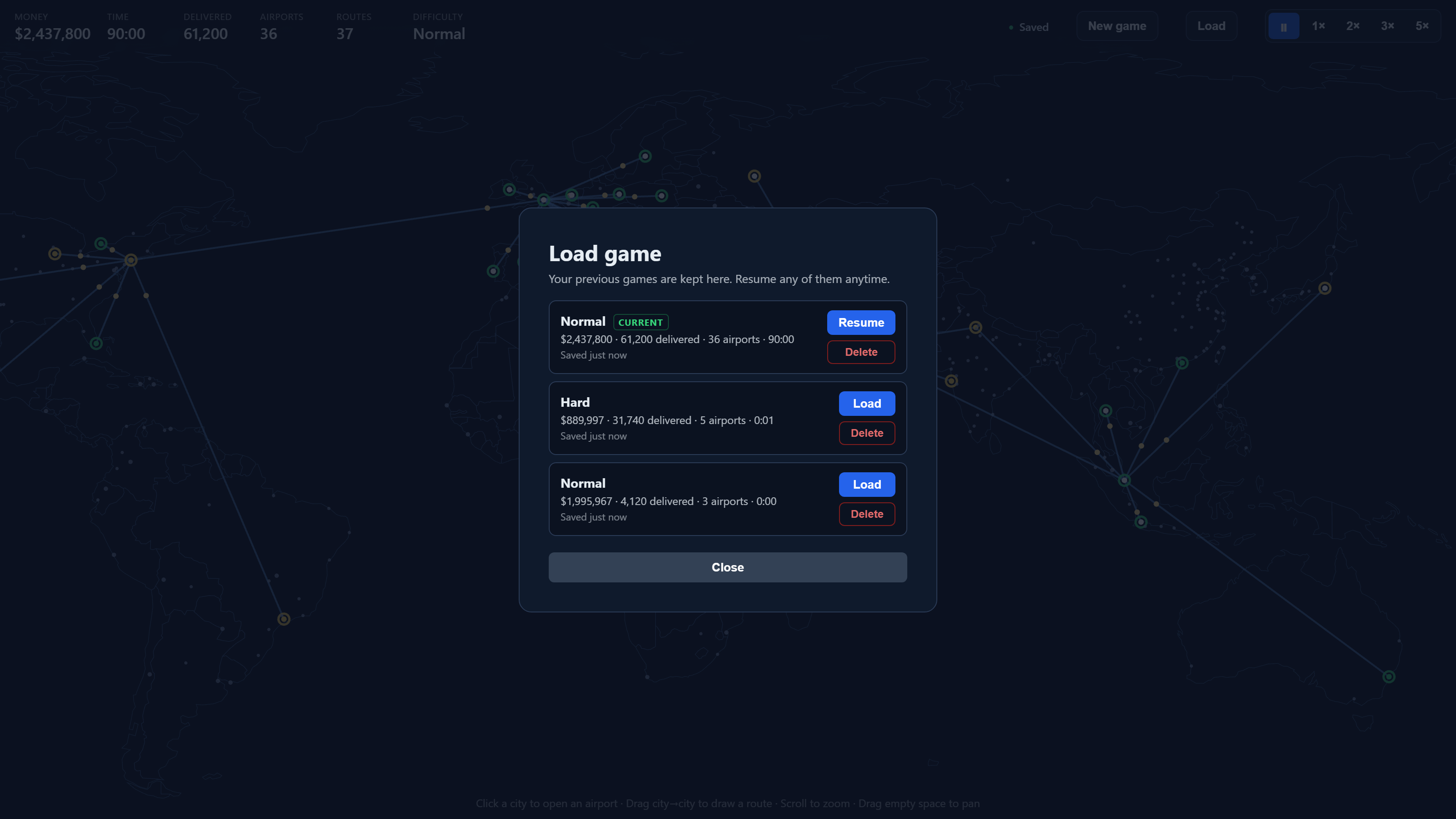
• Multiple save slots — start a new game without wiping your old one
• Saves are encrypted and stay on your machine; runs fully offline
How to install & play (Windows)
There are two downloads. They're the same game — pick whichever you prefer.
Option A — Installer (AirNet Setup 0.2.0.exe) — easiest for most people
1. Download AirNet Setup 0.2.0.exe.
2. Double-click it. Windows may show a blue "Windows protected your PC" screen — this is normal for a new app from a small developer (see note below). Click "More info", then "Run anyway".
3. (Optional) Choose where to install, then click Install. No admin rights needed — it installs just for you.
4. Launch AirNet from the Desktop shortcut or the Start menu.
To uninstall: Windows Settings → Apps → AirNet → Uninstall (or use the Start-menu uninstaller).
Option B — Portable ZIP (AirNet-0.2.0-win.zip) — no installation
1. Download AirNet-0.2.0-win.zip.
2. Right-click it → "Extract All…" (or use 7-Zip / WinRAR). Important: actually extract it first — don't run the game from inside the zip preview, it won't work properly.
3. Open the extracted AirNet folder and double-click AirNet.exe.
4. The same "Windows protected your PC" screen may appear → "More info" → "Run anyway".
To move it: move the whole folder anywhere you like.
To remove it: just delete the folder.
About the "Windows protected your PC" warning
AirNet is made by one person and isn't code-signed with an (expensive) certificate yet, so Windows labels it "unknown publisher" the first time you run it. It's safe — "More info" → "Run anyway" gets you in, and Windows usually stops asking after the first launch.
Where your saves are kept
Your games save automatically to: %AppData%\AirNet\saves
(paste that into the File Explorer address bar to open it.)
• You can keep multiple saved games — start a new game without losing old ones, and reopen any of them from the in-game Load menu.
• Saves are encrypted and locked to this Windows PC and account. That keeps them safe and tamper-resistant — but it also means they can't be copied to another computer, and reinstalling Windows or moving to a new PC won't carry them over. Treat each machine's saves as its own.
System requirements
• Windows 10 or 11 (64-bit)
• ~300 MB free disk space
• A reasonably modern GPU (anything from the last decade is fine)
• No internet required — AirNet runs fully offline.
Quick start (once it's running)
• Click a city to open an airport.
• Drag from one city to another to draw a route — planes start flying automatically.
• Click an airport to upgrade its capacity; click a route to buy or upgrade planes.
• Watch the load bars: if an airport fills up faster than your planes can clear it, it turns red. Add planes, upgrade them, and build hub-and-spoke connections to keep passengers flowing.
• Everything saves automatically. Use New game to start another run (your current one is kept), and Load to jump back into any saved game.
Have fun — and if you hit a bug or have an idea, let me know.
Download
Click download now to get access to the following files:

Leave a comment
Log in with itch.io to leave a comment.